macOS service · Bluetooth (macOS)
Why bluetoothd keeps your Mac awake
bluetoothd runs Bluetooth on the Mac. It takes short assertions when a device connects or a Bluetooth keyboard or mouse sends input: “com.apple.BTStack” for a few seconds, and UserIsActive lines named “Bluetooth Incoming Connection Request” or “Bluetooth LE HID Activity”. They come and go. If your Mac never sleeps and the power log is full of them, a Bluetooth device keeps reporting activity.
Checked on macOS 27.2.1 on a MacBook Pro with Apple silicon, 11 November 2026.
What you’ll see
| Type | Name | Meaning |
|---|---|---|
PreventUserIdleSystemSleep | com.apple.BTStack | Bluetooth is busy for a moment. |
UserIsActive | Bluetooth Incoming Connection Request | A device is connecting. |
UserIsActive | Bluetooth LE HID Activity | A Bluetooth keyboard, mouse or trackpad sent input. |
Check it on your Mac
Open Terminal (in Applications › Utilities) and run:
pmset -g log | grep bluetoothd
Real output from the Mac we checked:
2026-11-11 19:30:17 +0200 Assertions PID 468(bluetoothd) Created UserIsActive "Bluetooth Incoming Connection Request" 00:00:00 id:0x0x900008a78 [System: PrevIdle DeclUser kDisp]
Activity Monitor shows the same thing without Terminal: open its Energy tab and look at the Preventing Sleep column.
What to do
- Look at how often it happens:
pmset -g log | grep bluetoothd | tail -30. - If the lines keep coming while nobody uses the Mac, switch off Bluetooth devices one at a time to find the one that’s talking.
See it without Terminal
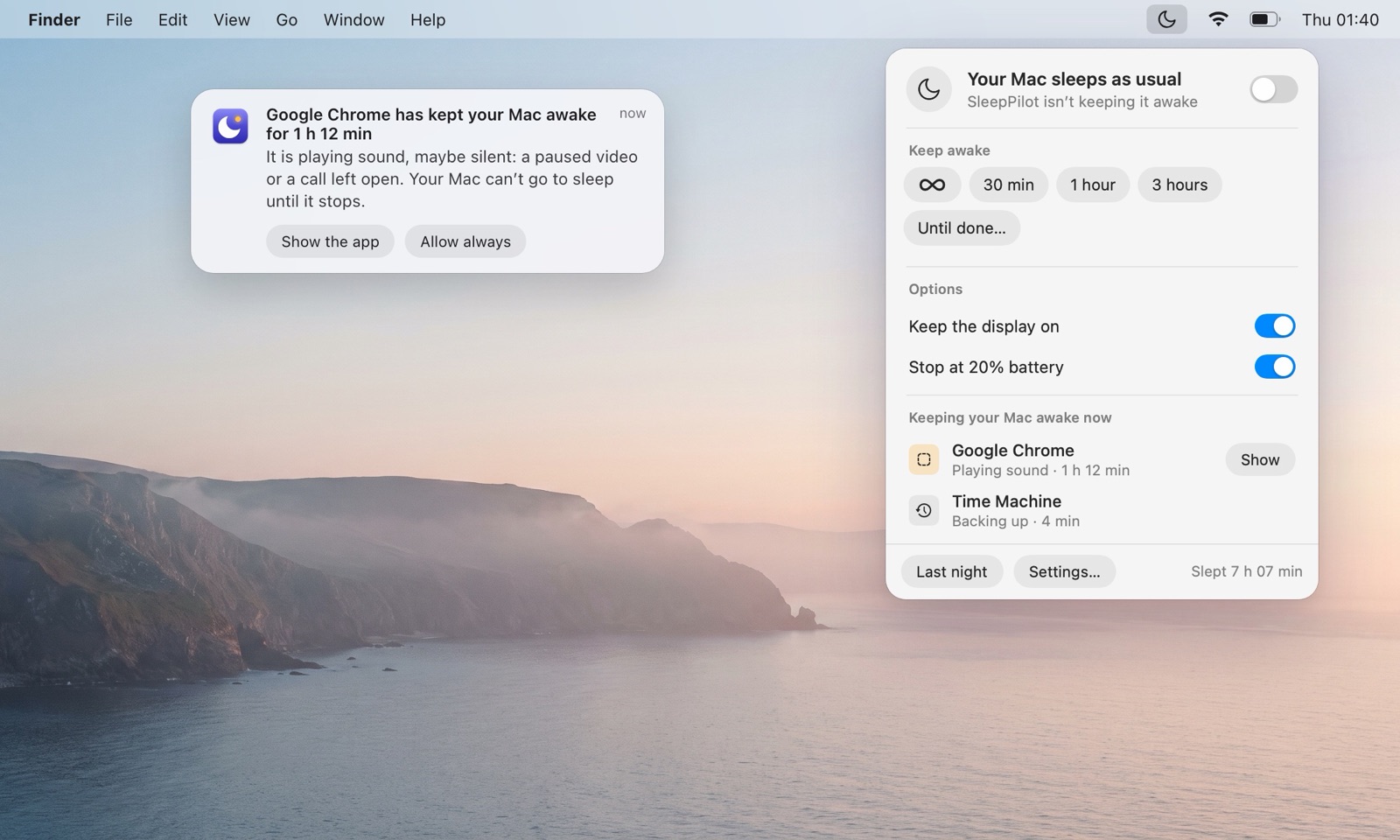
SleepPilot, a menu bar app, lists every app that is keeping your Mac awake right now by name — audio through coreaudiod is shown under the app that plays it — and warns you when one holds the Mac awake for too long while nobody is using it. Each morning it can show what kept the Mac awake overnight.
Questions
Is it safe to quit bluetoothd?
No. It’s part of macOS; turning Bluetooth off in Control Center is the safe way to test.
Is bluetoothd keeping my Mac awake normal?
Normal in short bursts. Worth a look if it repeats all night.
Does bluetoothd keep the display on?
The Mac awake for a few seconds at a time; UserIsActive also counts as you using the Mac.