
Tool · App updater (ShipIt)
Why ShipIt keeps your Mac awake
ShipIt is a small updater that many apps, especially ones built with Electron, use to install a new version. While it replaces the app, it holds a PreventSystemSleep assertion named “Updating”, so the update isn’t cut off halfway. It finishes in seconds to minutes.
Checked on macOS 27.2.1 on a MacBook Pro with Apple silicon, 11 November 2026.
What you’ll see
| Type | Name | Meaning |
|---|---|---|
PreventSystemSleep | Updating | An app is installing its update. |
Check it on your Mac
Open Terminal (in Applications › Utilities) and run:
pmset -g log | grep ShipIt
Real output from the Mac we checked:
2026-11-11 13:32:55 +0200 Assertions PID 1840(ShipIt) Created PreventSystemSleep "Updating" 00:00:00 id:0x0x70000a5fc [System: PrevIdle PrevDisp PrevSleep DeclUser IntPrevDisp kCPU kDisp]
Activity Monitor shows the same thing without Terminal: open its Energy tab and look at the Preventing Sleep column.
What to do
- Let it finish. If it stays for a long time, the update is stuck: quit the app it belongs to and open it again.
See it without Terminal
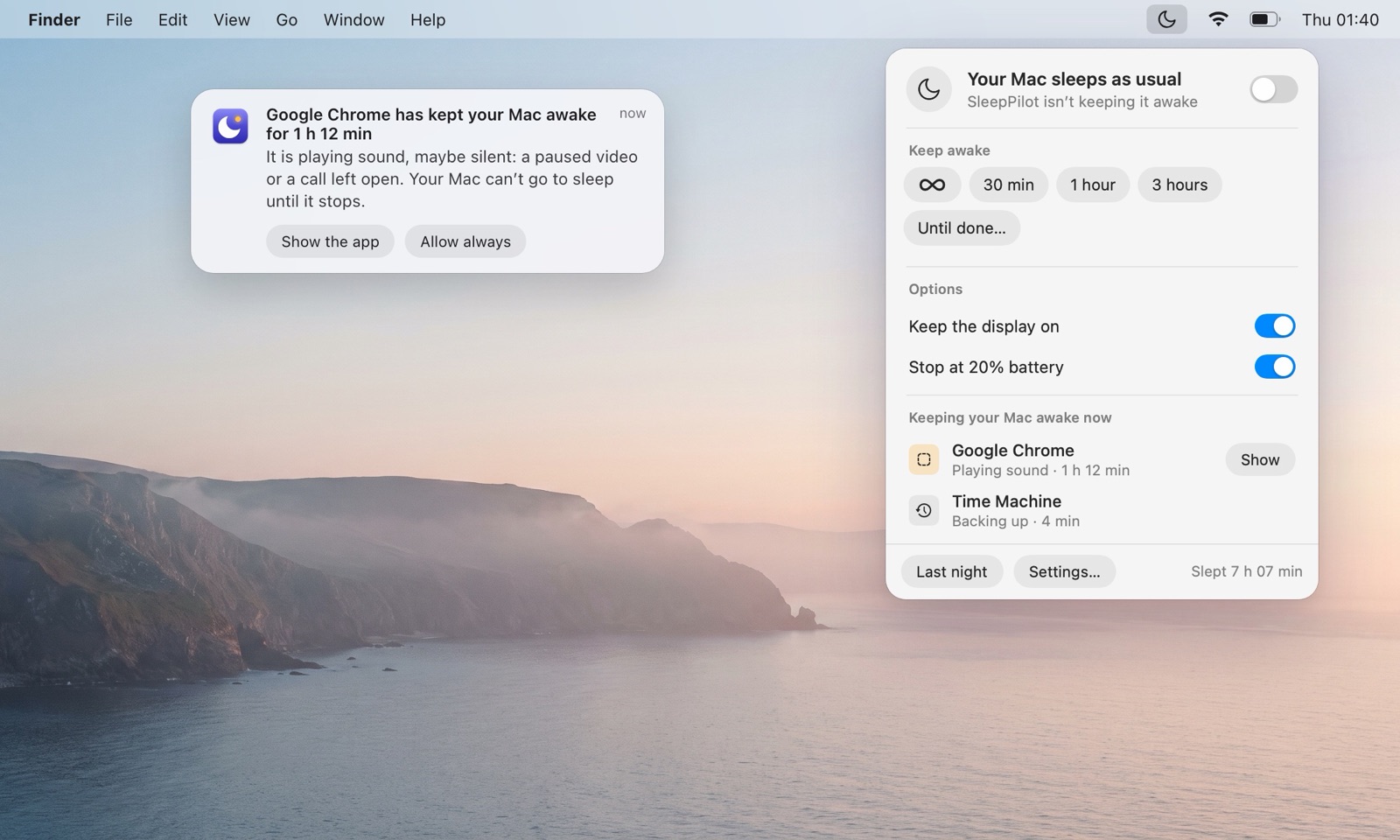
SleepPilot, a menu bar app, lists every app that is keeping your Mac awake right now by name — audio through coreaudiod is shown under the app that plays it — and warns you when one holds the Mac awake for too long while nobody is using it. Each morning it can show what kept the Mac awake overnight.
Questions
Is it safe to quit ShipIt?
Better not while it’s updating; quitting it can leave the app half-updated.
Is ShipIt keeping my Mac awake normal?
Normal while an app updates.
Does ShipIt keep the display on?
The Mac and the display awake for the length of the update.